

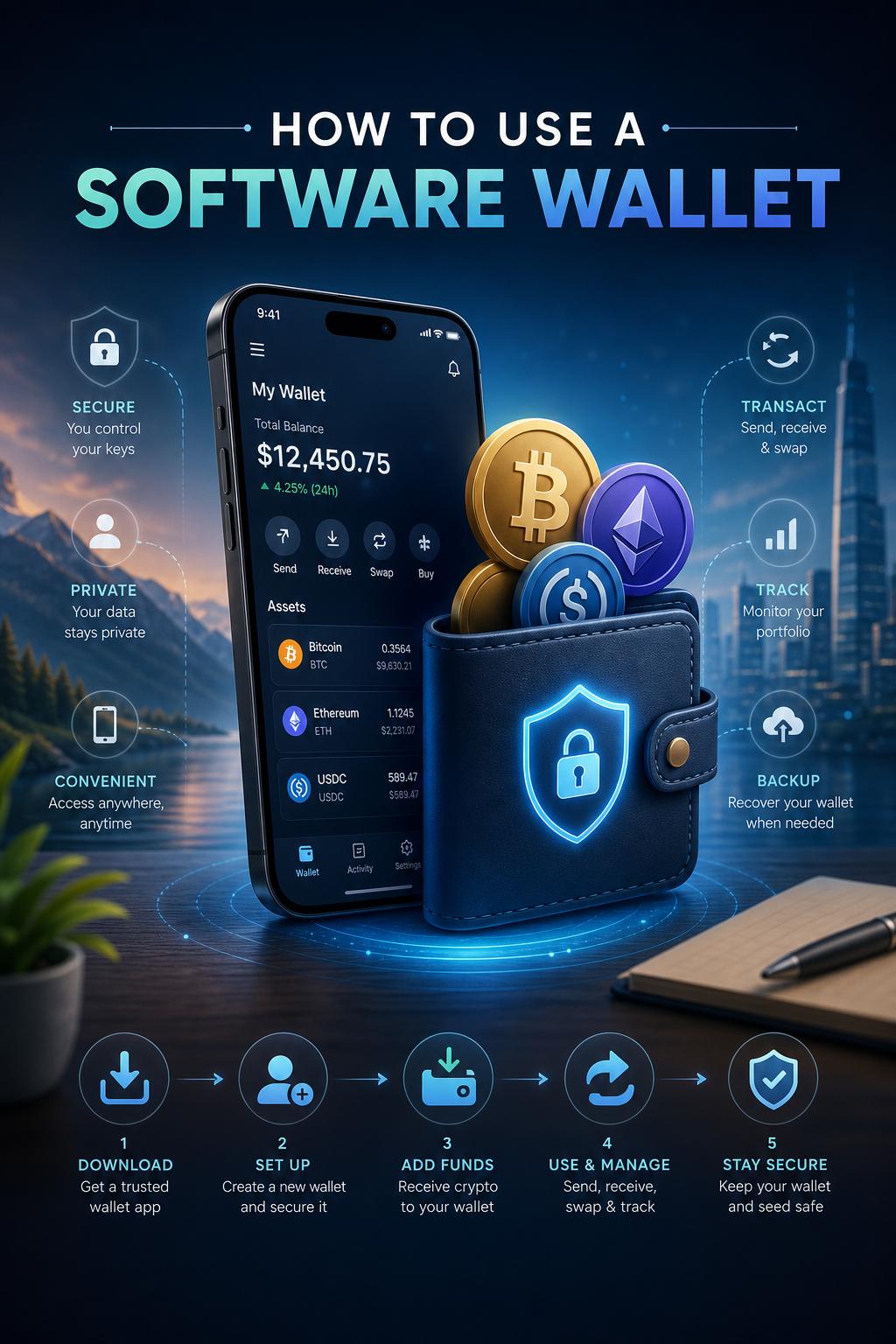
Choosing a software wallet is an excellent way to manage your Bitcoin with flexibility and convenience. Start by selecting a reputable wallet application compatible with your device-desktop, mobile, or web-based. Download the software only from official sources to avoid malicious versions. Once installed, open the wallet and select Create New Wallet. The software will then generate a unique seed phrase or recovery phrase.This combination of words is your master key to accessing your bitcoin, so it’s imperative to write it down and store it securely offline.
Next,set up your wallet security by creating a strong password and enabling additional features like two-factor authentication (2FA) if available. most software wallets provide options to encrypt your wallet file, adding an extra layer of protection against unauthorized access. Regularly update your wallet application to ensure you have the latest security patches and features. Remember,software wallets offer ease of use but depend heavily on the security of your device. Avoid downloading suspicious files, and consider using antivirus software to maintain a safe environment.
| Step | Action | Tip |
|---|---|---|
| 1 | Download Wallet software | Use official websites or app stores only |
| 2 | Create New Wallet | Carefully save your seed phrase offline |
| 3 | enable Security Features | use strong passwords and 2FA |
| 4 | Keep Software updated | Protect against vulnerabilities |
Create your Nostr Profile