

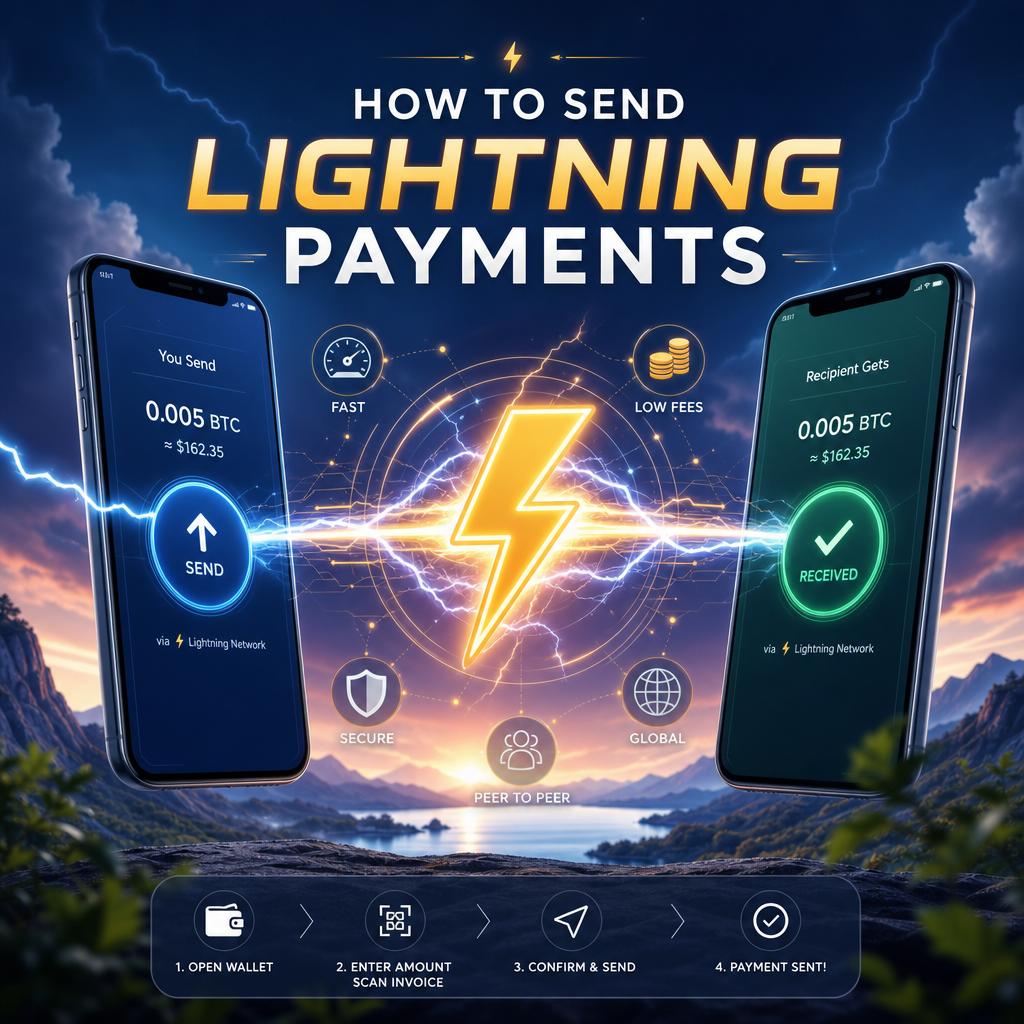
Initiating a Lightning payment begins with having a compatible wallet that supports the Lightning Network. First, ensure your wallet is funded with Bitcoin, either on-chain or via a previously opened Lightning channel. Next, obtain the recipient’s Lightning invoice, a special payment request string that contains all necessary details. This invoice is typically shared as a QR code or copyable text, which your wallet will decode to identify the payment amount and destination.
Onc you have the invoice, open your Lightning wallet and select the option to send a payment. Paste or scan the invoice, then confirm the details, including the amount and any applicable fees that often are minimal compared to on-chain transactions. The network then routes the payment through multiple channels until it reaches the recipient.completion is generally instantaneous, and you will receive a confirmation within seconds. If an error occurs, the wallet usually provides troubleshooting information to ensure you can retry or adjust your payment accordingly.
| Step | Action | Tip |
|---|---|---|
| 1 | Open wallet & scan/paste invoice | Use trusted wallets like LND or BlueWallet |
| 2 | Confirm payment details | Double-check amount and recipient info |
| 3 | Send payment | Expect near-instant transaction confirmation |
Create your Nostr Profile