

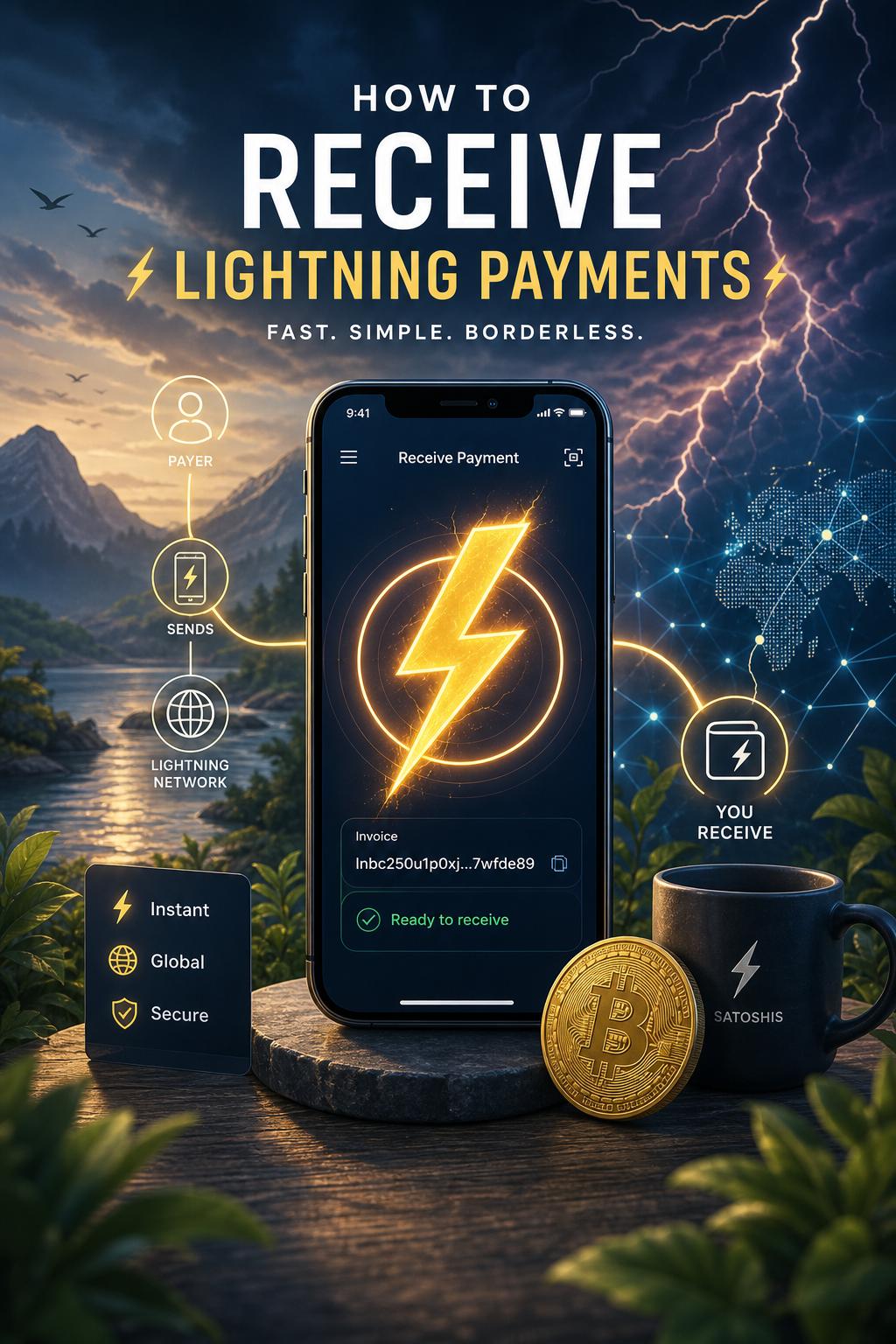
To start receiving Lightning payments, first ensure your Lightning wallet is fully synchronized with the network.Upon opening your wallet,locate the “Receive” tab or button,which is integral to generating a unique payment request. This request takes the form of a QR code or an alphanumeric string-a Lightning invoice-that includes all necessary payment details such as amount,description,and expiry time.
Share this invoice with the payer via email, messaging apps, or directly display the QR code for scanning. Once the payer forwards the payment through thier Lightning-enabled wallet, the transaction will settle almost instantly. Monitoring incoming payments is straightforward through your wallet’s transaction history, which provides a detailed log and status updates of each received Lightning payment.
| Step | action | Tip |
|---|---|---|
| 1 | Open “Receive” tab | Verify wallet sync status |
| 2 | Generate Lightning invoice | specify payment amount to avoid errors |
| 3 | Share invoice with payer | Use QR code for convenience |
| 4 | Confirm receipt in wallet | Check transaction history promptly |
Create your Nostr Profile