

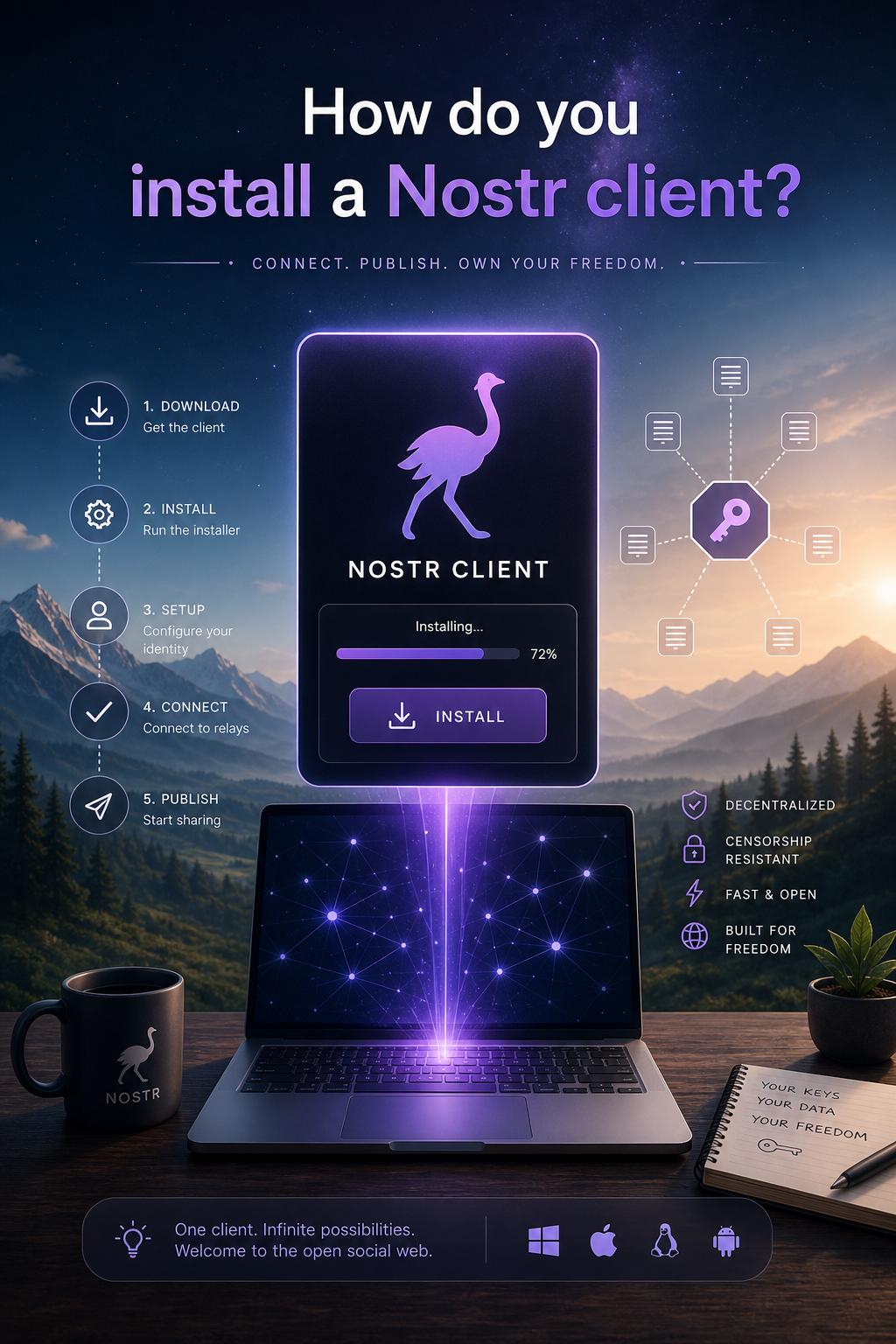
Begin by selecting a reliable Nostr client tailored to your operating system and user preferences. Popular clients typically offer open-source transparency and frequent updates, ensuring security and enhanced performance. After downloading the installation package from the official source, verify the file integrity using provided checksums to prevent tampering or corruption.
Next, follow these critical steps to ensure a smooth setup:
- Install dependencies: Some clients require additional frameworks or libraries; check the documentation thoroughly.
- Run the installer with administrator rights: this prevents permission-related issues during installation.
- Configure the client: Input required cryptographic keys or credentials securely. Avoid using default configurations for better security.
- Perform initial synchronization: Connect the client to a trusted relay or node to start retrieving and sending messages.
For enhanced clarity, consider this speedy-reference table summarizing the stages:
| Step | Action | Key Tip |
|---|---|---|
| 1 | Select & Verify Client | Use verified official sources |
| 2 | Install Dependencies | check documentation in advance |
| 3 | Run Installer | Administrator privileges recommended |
| 4 | Configure securely | Never share private keys |
| 5 | Synchronize with Relay | Choose trusted nodes |
Create your Nostr Profile