

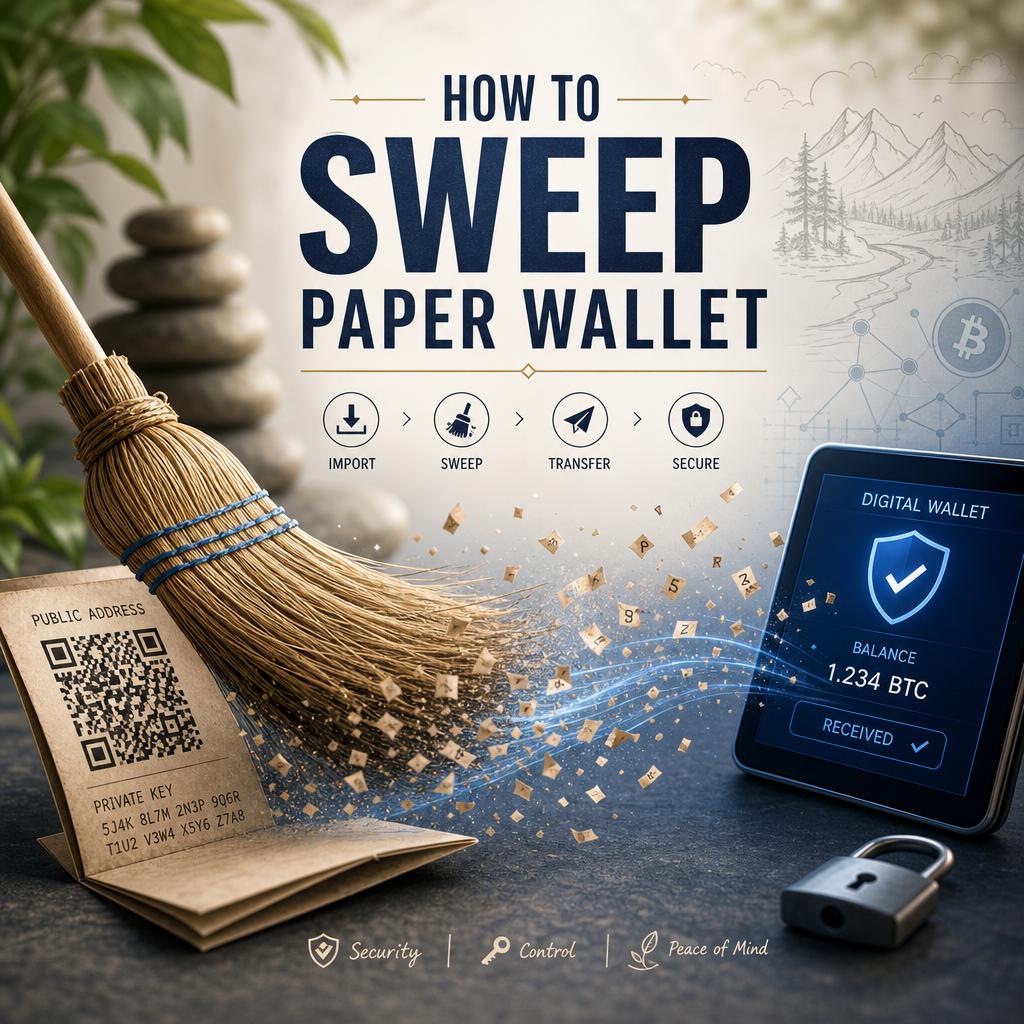
Sweeping a paper wallet involves transferring all the cryptocurrency funds stored in the wallet’s private key to a new digital wallet. This process ensures your assets are securely moved without leaving any residual balance vulnerable to exposure or theft.First,you’ll need a compatible wallet application that supports sweeping,such as Electrum or mycelium. Once installed, locate the option for sweeping or importing private keys within the app’s interface.
Next, carefully enter the private key printed on your paper wallet. It’s critical to do this in a secure environment-preferably offline or on a device with strong security measures-to prevent malicious interception. After inputting the private key, specify the destination address of your new wallet where the funds will be consolidated. The wallet app will then generate a transaction to move the entire balance, minus any network fees, to your secure wallet.
- Verify the destination address to ensure accuracy and avoid irreversible loss of funds.
- Confirm network fees and timing to optimize transaction costs and speed.
- Backup your new wallet’s private keys securely instantly after the sweep.
Create your Nostr Profile


